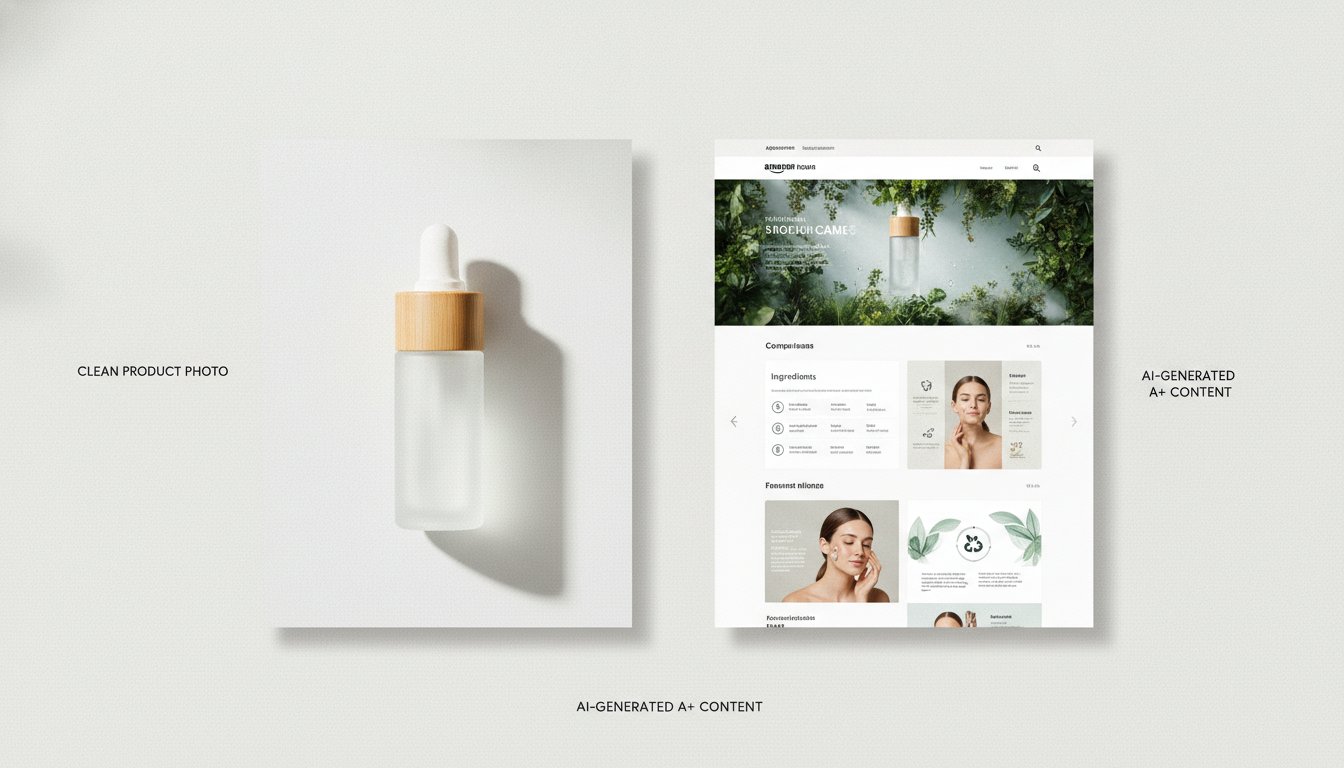
How to Build a Shopify Product Page That Converts (2026)
A practical checklist for high-converting Shopify product pages — layout, images, copy, trust, and speed — with examples you can apply today.
Sunghoon Kang
Jul 9, 2026 · 3 min read
Traffic is expensive; a weak product page wastes it. Whether shoppers arrive from ads, search, or social, your Shopify product page has a few seconds to answer "what is this, why is it better, and can I trust you?" This checklist covers what actually moves conversion — and how to produce it faster.
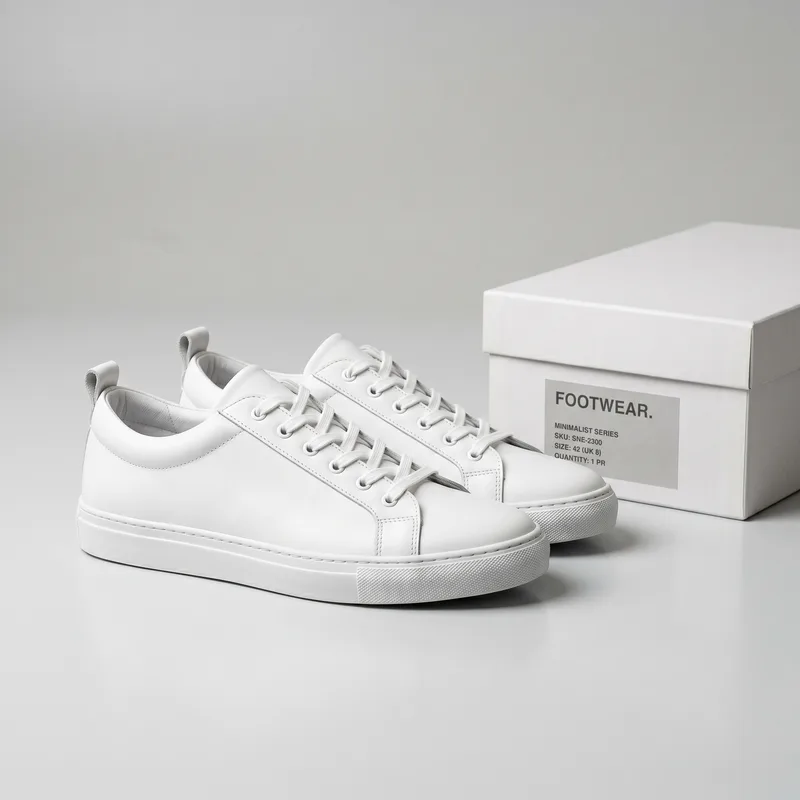
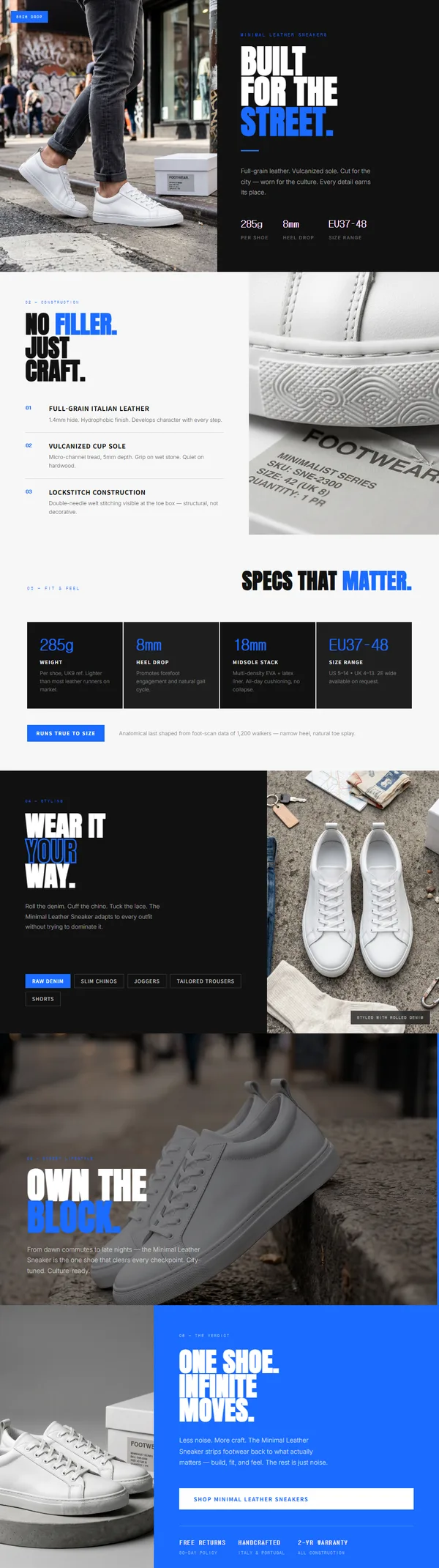
Because we turn product photos into pages for a living, we see the same failure over and over: the page is fine, but the images don't match. Different backgrounds, different lighting, different crops. Nothing screams "small operation" louder than five product shots that look like they came from five different stores. Fix that before you touch copy.
The above-the-fold test
Before anything else, check what a shopper sees without scrolling on mobile: product name, a clear main image, price, the single most important benefit, and an add-to-cart button. If your core value proposition isn't obvious here, fix this first — it's the highest-leverage change on the page.
The five traits of pages that convert
1. A clear value proposition. Lead with the outcome, not the spec. "Keeps drinks cold for 24 hours" beats "500ml double-wall vacuum flask." Put it near the top.
2. High-quality, consistent images. Photo quality is the biggest trust signal on the page. Use a clean main shot on white, a few detail angles, at least one lifestyle image, and a size reference. Inconsistent lighting or backgrounds make a store feel amateur — standardize them.
3. Benefit-led, scannable copy. Short paragraphs, bolded key points, and bullet lists. Shoppers skim; write for skimming.
4. Visible trust signals. Reviews and ratings, a clear return or guarantee policy, and shipping expectations. These reduce the risk a first-time buyer feels.
5. Fast, mobile-first load. The majority of Shopify traffic is mobile. Compress images, avoid heavy apps that block rendering, and test real load time. Speed is a conversion feature.
A quick self-audit
| Element | Ask yourself | Fix if "no" |
|---|---|---|
| Value prop | Is the main benefit visible without scrolling? | Move it above the fold |
| Images | Are they consistent and high quality? | Standardize background & lighting |
| Copy | Can a skimmer get it in 5 seconds? | Add bullets, cut spec dumps |
| Trust | Are reviews and policy visible? | Surface them near the buy button |
| Speed | Does it load fast on mobile? | Compress images, trim apps |
The slow part — and how to speed it up
For most sellers, the bottleneck isn't knowing these rules; it's producing consistent images and a clean layout across many products. That's where an AI generator helps: instead of editing every photo and hand-building each section, you start from one product photo and get a full, styled page draft — background cleaned up, images staged, benefit copy drafted — then refine.
Bottom line
A converting Shopify product page respects how people shop: fast, visual, skeptical. Nail the above-the-fold value proposition, use consistent high-quality images, write for skimmers, show trust signals, and keep it fast on mobile. Get those five right on every SKU and your existing traffic works harder.
GENCY lite turns one product photo into a complete, ready-to-refine product detail page in about 30 seconds — 5,000 free credits on signup, no card required.