GENCY lite for Shopify: Watch a Product Page Built From One Photo
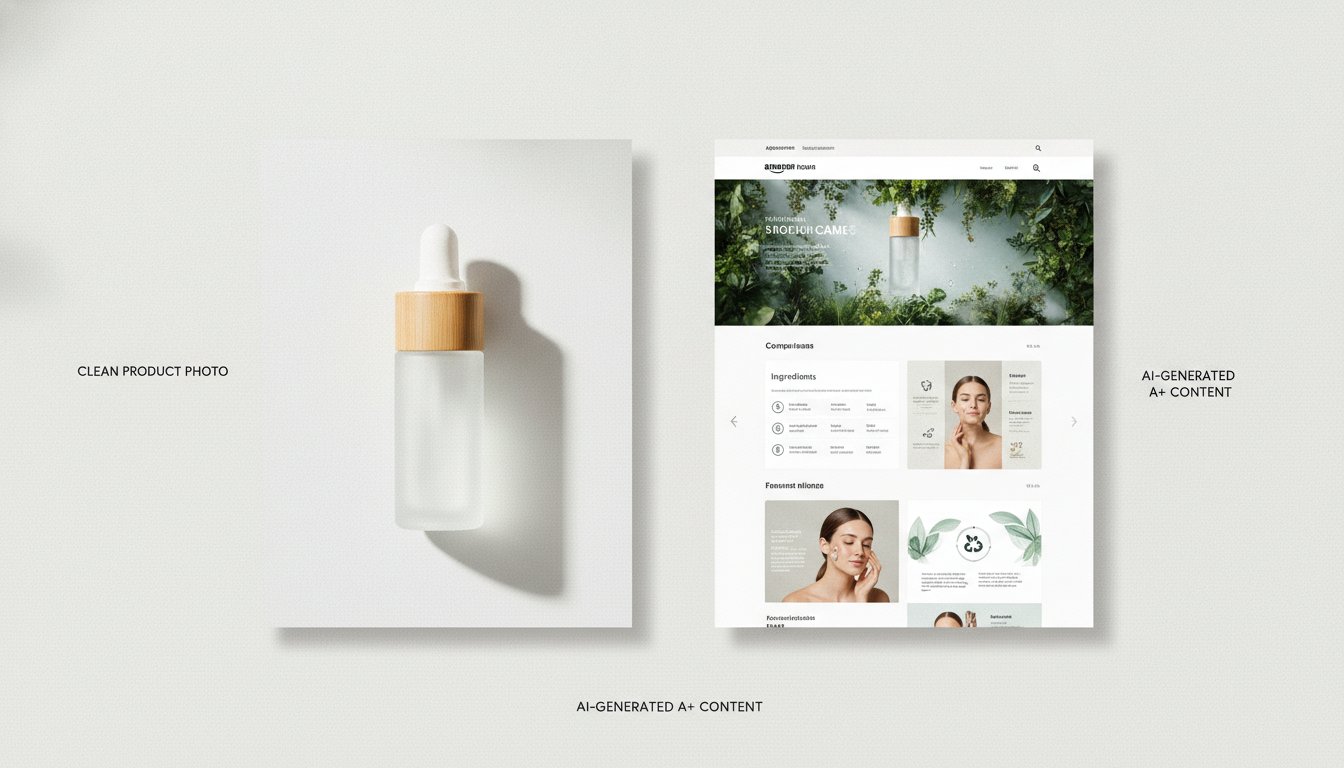
A 90-second walkthrough of the GENCY lite Shopify app — connect your store, pick a product, and generate a full, on-brand product detail page from a single photo, then publish it live.
Sunghoon Kang
Jul 19, 2026 · 2 min read
The fastest way to understand what the GENCY lite Shopify app does is to watch it. Below is a short, silent screen walkthrough: connect a store, pick a product, generate a full detail page from one photo, and publish it — all inside the Shopify admin.
This is the same walkthrough we recorded for the Shopify App Store review — an honest, unedited pass through the real app, not a mockup. What you see is what you get when you install it.
What you're seeing, step by step
- The app, inside Shopify. GENCY lite runs as an embedded app in your Shopify admin — no separate tool to log into. The home screen shows your products and how many already have GENCY pages.
- Pick a product. Choose any product from your store. The app pulls in its existing photo and details as the starting point.
- Choose a style. Set the look and mood so the page matches your brand instead of a generic template.
- Generate. In about 30 seconds you get a full product detail page — a clean layout, staged images built from your single photo, and benefit-led copy.
- Review and publish. Refine anything you want, then publish straight to your storefront. You can also A/B test a challenger design against your live page and track performance.
Why this matters
Most Shopify sellers don't have a design or copy problem so much as a time problem. Building one strong product page by hand — sourcing images, laying out modules, writing benefit-led copy — takes hours, and it doesn't scale across a catalog. The demo shows the shortcut: start from the one photo you already have, let the app do the mechanical work, and spend your time on the choices that actually move conversion.
Try it on your own store
The best test is your own product. GENCY lite installs into your Shopify admin, and signup includes 5,000 free credits with no card required — enough to generate real pages and compare them against what you have today.