AI Product Video Ads for Shopify: Choosing the Right Tool
Compare Photoroom, Creatify, HeyGen, Canva, CapCut, Dreamina, Runway, and GENCY lite by what you start from, what you get, and what you can edit, then pick a tool for your situation.
The GENCY lite Team
Nov 2, 2026 · 8 min read
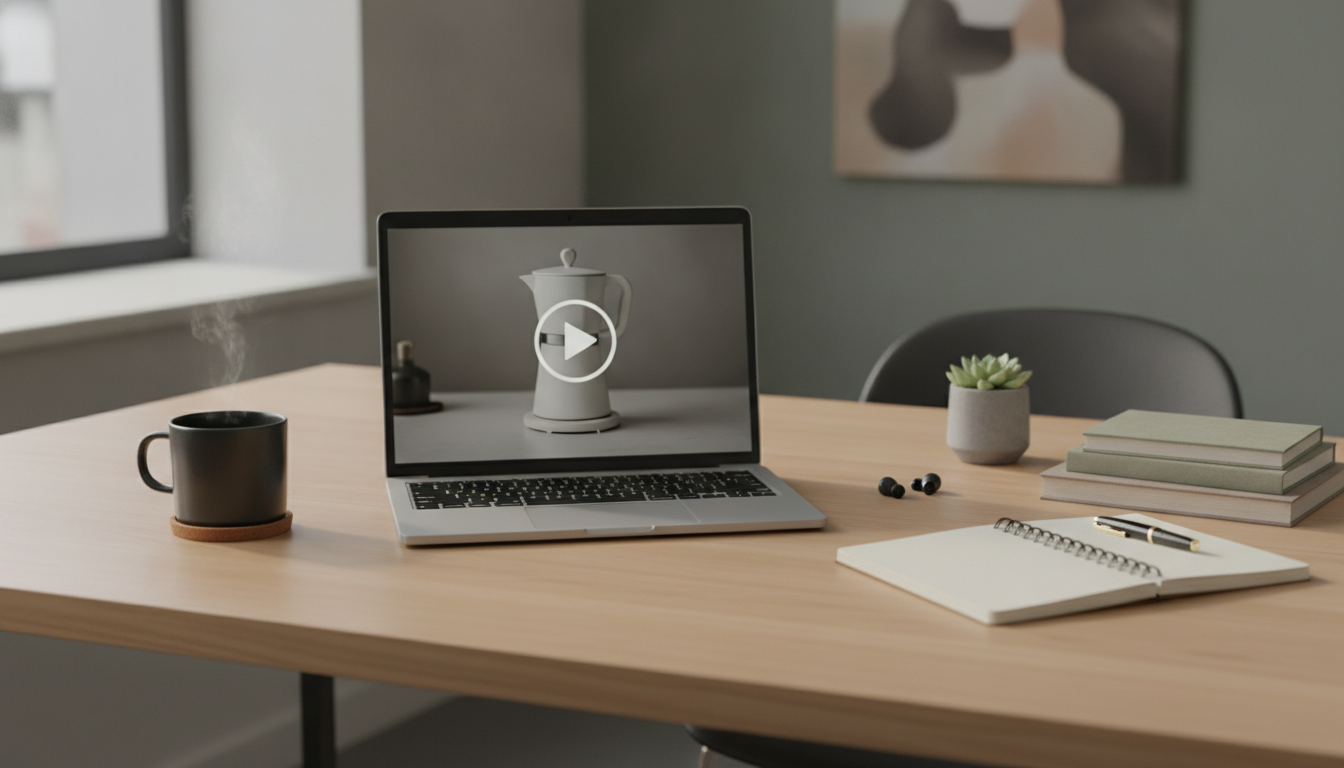
Most Shopify merchants need more video ads than their time and budget allow. AI video tools can help, but they solve different problems: some turn product photos into a finished ad, some build an ad from a product page URL, some put an AI presenter on screen, and some only generate short clips that you still have to edit into an ad.
This guide compares eight tools, including our own, on the same points: what you start from, what you get, what you can change afterward, and where each one falls short. It then suggests which tool to use in common situations, and what to check before you publish a video made from a single product photo.
Feature details below come from each vendor's own website as of November 2026. These products change quickly, so confirm current features and pricing before you commit.
Comparison table
| Tool | You start from | You get | What you can change | Best for | Watch out for |
|---|---|---|---|---|---|
| Photoroom | Up to 6 product photos (upload, or import from Shopify and other sources) | A finished 5–10 second ad with script, AI voiceover, AI actors, and music, in 9:16 or 16:9 | The voiceover and shot plan before generating; after that, you regenerate rather than edit scenes | Fast social ads from photos you already have | Short length; limited scene-level editing |
| Creatify | A product URL (Shopify, Amazon, Etsy) | A finished ad with an AI avatar and voiceover; script written from your page | Background, music, and messaging; extra variations; versions in other languages | Turning existing product pages into many ad variations | Only as good as the page it reads |
| HeyGen | A script, or an existing video to translate | AI-avatar videos, or your video translated with the speaker's voice and lip sync | The translated script, subtitles, and a brand glossary | Presenter-style ads and localizing one ad into several languages | Translation works best with clear audio and common languages |
| Canva | A video ad template plus your own photos, clips, and text | An ad you assemble yourself in a drag-and-drop editor, with stock media and music from Canva's library | Everything, by hand | Full control, especially if you already design in Canva | The most manual work per ad |
| CapCut | Your clips and photos; also text or images for its AI video generator | An edited video with templates and auto captions | Everything, by hand | Finishing an ad: trimming, captions, music, resizing | Editing still takes your time |
| Dreamina | A reference image plus a text prompt | Short AI-generated clips | The prompt and inputs; regenerate to change the result | Product scenes and motion shots to use inside an ad | Clips, not a finished ad; may alter product details |
| Runway | An image, video, or text prompt | Short generated or edited video clips | The prompt and references; regenerate to change the result | Custom scenes and effects you can't shoot | Clips, not a finished ad; takes more practice |
| GENCY lite (our tool) | 1–3 product photos (2 or more for a full 360° turn) | A 5–15 second product clip in 9:16, 1:1, or 16:9; some formats add background music. No captions, voiceover, or presenter | Format, motion style (11 options), and mood; regenerate to change the result | Product-focused clips such as turns, close-ups, and usage scenes, made from the same photos as your product page | Clips, not a finished ad; add captions and voiceover in an editor |
The biggest difference is in the "You get" column. Photoroom, Creatify, and HeyGen give you an ad with voiceover and music that you can post. Dreamina, Runway, and GENCY lite give you clips, which you still need to cut together with captions and music in an editor such as CapCut or Canva.
We build GENCY lite, so read its row as a description of what it does, not as a recommendation. Its details come from our own product rather than a public feature page.
Which tool fits your situation
- You have good product photos and want a social ad quickly: Photoroom. It builds a short ad with a script, voiceover, and music, and supports both vertical (9:16) and horizontal (16:9) formats.
- Your Shopify product pages are complete and you want many variations: Creatify. It pulls images and text from the product URL, so keep your product pages complete and up to date before you start.
- You need a presenter, or the same ad in several languages: HeyGen. You can make avatar videos from a script, or translate an existing video without reshooting it.
- You want to control every scene and caption: Canva or CapCut. Expect to spend more time per ad.
- You need a specific scene you can't photograph: Dreamina or Runway. Generate the clip, then assemble the ad in an editor.
- You want short clips focused on the product itself: GENCY lite. It is built for product motion, such as a slow turn or a close-up of the material, rather than people or scripts. Use the clips in an ad or on your product page.
A common workflow combines two of these: generate a first version in Photoroom or Creatify, then trim scenes, fix captions, and adjust music in CapCut.
What a single product photo can and can't do
Every tool above can only work from what you give it. One product photo shows one side of the product. When a video turns the product, zooms in, or places it in a scene, the tool has to fill in what the photo doesn't show, and what it fills in may not match your real product. A partial turn or a close-up of a visible area is usually safe. A full 360-degree turn from one photo is not. For more on this, read Amazon Product Video Challenges: Meeting Requirements and Using AI Effectively.
It also helps to separate two kinds of images. Lifestyle scenes, such as the product on a kitchen counter or in someone's hand, show shoppers how the product is used, and AI can generate these well. Product information, such as exact color, size, label text, materials, and what is in the box, must come from real photos and your own product data. A generated scene can make an ad more appealing, but it is not proof of what the product looks like.
Before you publish, check each video for these points:
- Shape and proportions match the real product.
- Color matches your product photos and the color names on your product page.
- Logos and label text are not blurred, misspelled, or invented.
- Size and scale look right next to hands, furniture, or people.
- Sides not in your photos are either left out or match real photos.
- Claims in the script or captions (for example, "waterproof" or "lasts 12 hours") match your product page.
- The ad and the product page show the same product, colors, and packaging, so shoppers aren't surprised when they click through.
Where GENCY lite fits
Most of these tools produce better results with more than one image. Photoroom accepts up to six photos and says that several angles of the same product give better results. Creatify works from whatever images are on your product page. If you only have one product photo, the input is the bottleneck.
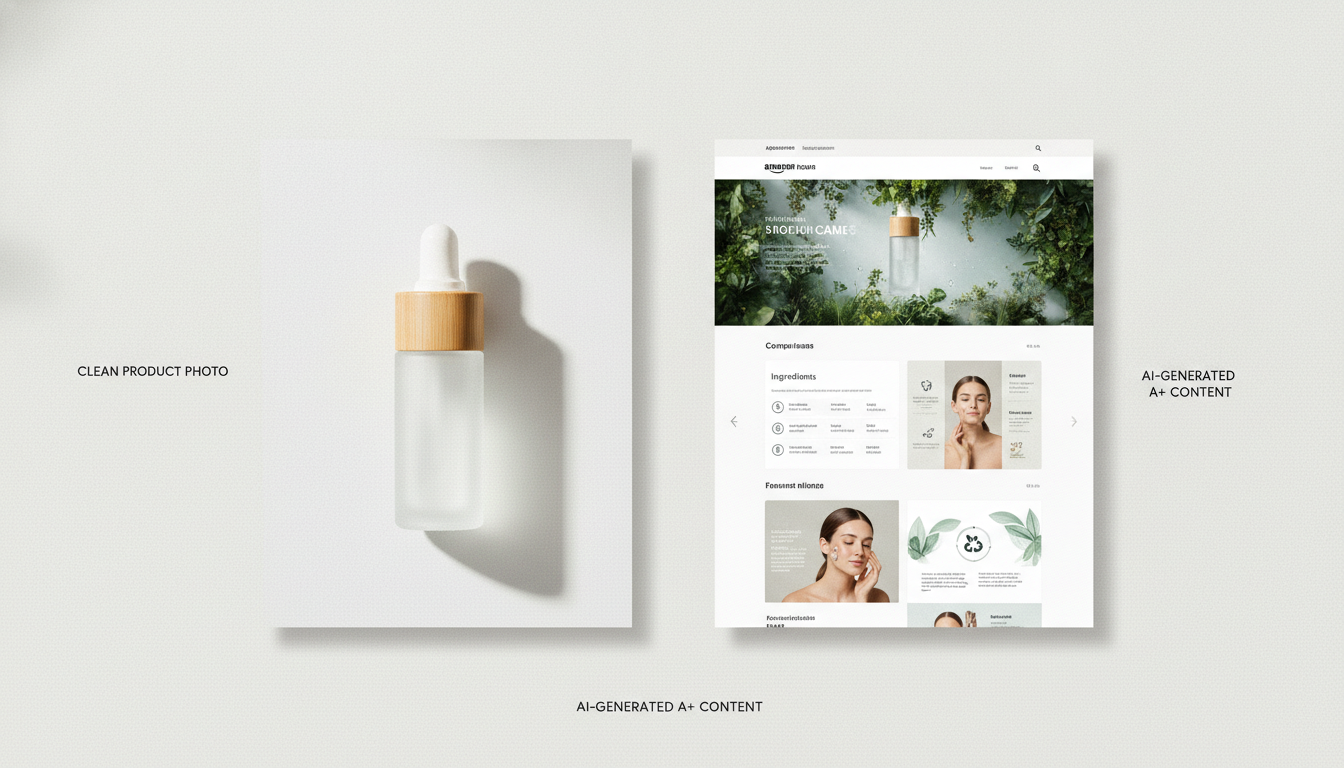
GENCY lite helps with two parts of this. First, its Shopify app generates a product page draft from one product photo, including staged images of the product in different settings. You can review those images, keep the ones that match your product, and use them as inputs for any of the video tools above. Second, its video tool turns the same photos into short product clips. It doesn't add captions, a voiceover, or a presenter, so you finish the ad in an editor or combine the clips with an ad from another tool. Because your ad and your product page then use the same images, shoppers see the same product, colors, and setting when they click through.
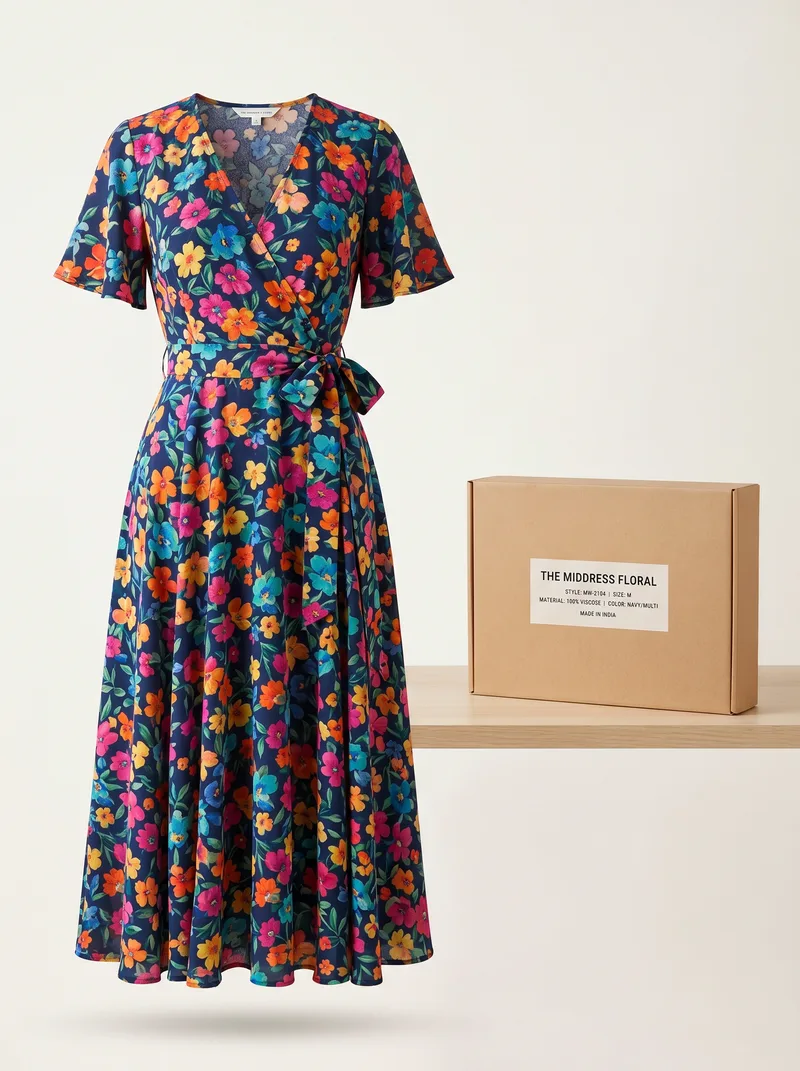
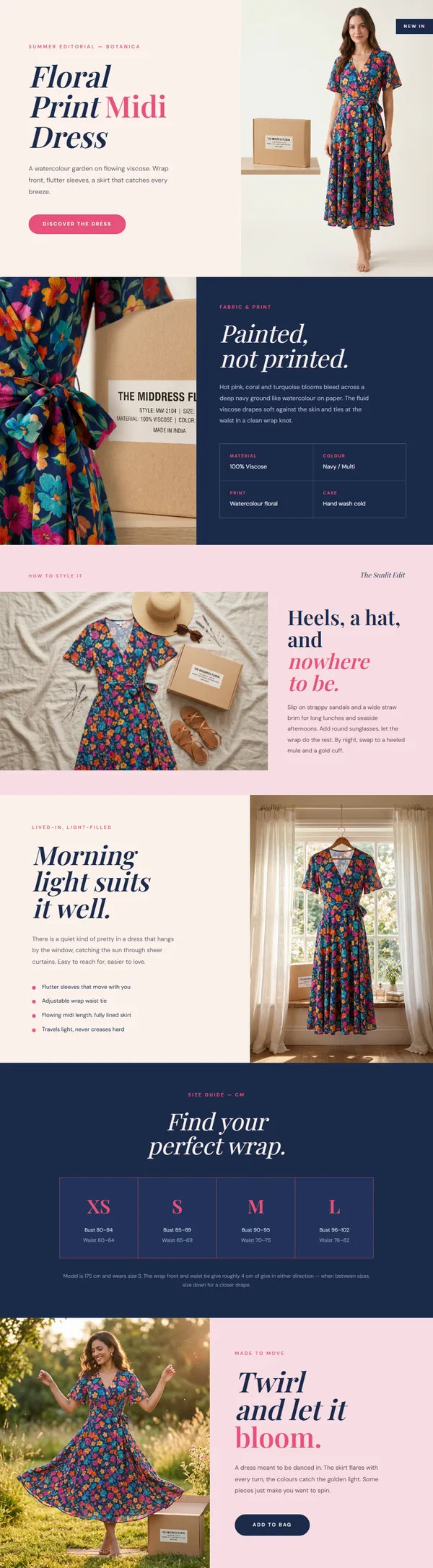
The same checks apply here: generated scenes show how the product might be used, but they can't add information that wasn't in your original photo. Before using any generated image in an ad, compare it with the real product. For the difference between tools that edit one image and tools that build a whole product page, see AI Product Photo Tools vs. Product Page Generators.
Bottom line
Choose a tool by what you start with and what you need at the end. For a finished ad from photos, use Photoroom. For an ad from a product URL, use Creatify. For a presenter or translations, use HeyGen. For full control, use Canva or CapCut. For custom clips, use Dreamina or Runway. For product clips that match your product page, use GENCY lite. Then finish the ad in an editor. Whichever you choose, check the video against your real product before you publish, and keep your ads and product page showing the same product.