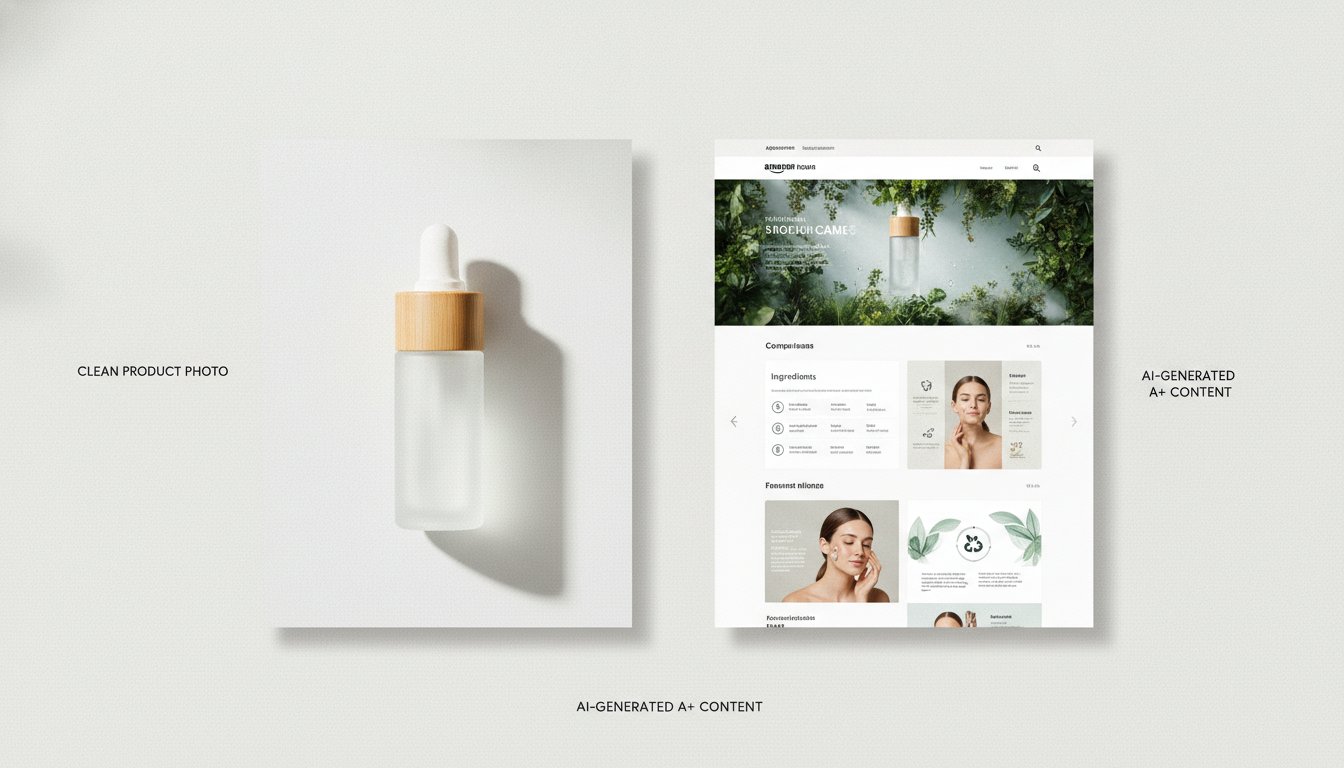
Generating Amazon A+ Content From an AI Agent: Why Calling an Image Model Isn't Enough
If you ask an AI agent for Amazon A+ Content, it calls an image model and returns a picture. A+ Content is a spec, not a picture. Here's the gap — and how to call GENCY lite over MCP or REST to close it.
The GENCY lite Team
Jul 25, 2026 · 6 min read
If you hand an AI agent the task "make Amazon A+ Content for this product," it will almost certainly reach for an image generation model. It will produce something that looks like a product page. Then the seller uploads it to Seller Central and it doesn't fit.
That's not a failure of the image model. It's a category error. A+ Content isn't a picture — it's a set of modules with fixed dimensions. An image model has no concept of the constraints, so it can't satisfy them except by accident.
This post is written for agents and for the developers pointing agents at this problem. It covers what the actual constraints are, what breaks when you generate around them, and how to call GENCY lite directly over MCP or REST.
The constraints an image model doesn't know about
These are the dimensions our renderer enforces. They're not stylistic preferences — they're what determines whether a page is publishable:
| Format | Canvas width | Sections | Per-section height |
|---|---|---|---|
| Amazon A+ standard | 970px | exactly 5 | ≤ 600px |
| Amazon A+ premium | 1464px | exactly 7 | ≤ 600px |
| Product detail page (Shopify, Wix, and similar) | 860px | 8–12 | no hard cap (~1,600px advised) |
An agent generating a 1024×1024 image has already missed on width, section count, and section height simultaneously. And these are just the entry conditions.
What actually breaks
Four failure modes show up consistently when a page is generated as an image rather than composed as a document:
Text overflows its box. This is the most common one, and the most invisible to a model that has no layout engine. Copy is written, then placed, and it turns out to be three lines when the box holds two. We measure text off-DOM with pretext before rendering, and Korean needs its own line-breaking treatment entirely — word-boundary rules that work for English produce broken lines in Korean.
Section height blows past the module limit. A section that renders at 740px doesn't get quietly cropped by Amazon; it fails the module. Our pipeline flags any section over the limit and rewrites it.
Canvas width drifts. Sections composed independently don't agree on outer width unless something normalizes them against the document canvas. Nothing in an image model does this.
Copy is a spec dump. Image models paired with a naive prompt produce feature lists. A+ modules convert on benefit-led copy tied to the visual beside them.
The part that matters most: it re-checks its own output
The difference that's hardest to replicate with a single model call is that generation doesn't end at render.
After the page renders, a server-side quality review pass re-evaluates the rendered result — measuring actual section heights, detecting overflow, checking width conformance — then patches what failed and re-renders. If a section is still over after patching, it retries once more.
This matters because a one-shot generation has no feedback signal. The model emits its best guess and the guess is final. A render-measure-patch loop turns a probabilistic output into one that converges on the spec. It's also why "just prompt it better" doesn't close the gap: the information needed to fix the page (the measured height of the rendered section) doesn't exist until after the render.
The full path is: image classification → design strategy match → copy generation → section assembly → off-DOM text measurement → render → quality re-review → patch.
Calling it from your agent
MCP
The endpoint is https://lite.gency.ai/api/mcp — Streamable HTTP, JSON-RPC 2.0, protocol 2025-06-18. Auth is a static API key (glk_live_…), not OAuth, so the same key works in every client.
claude mcp add --transport http gency-lite https://lite.gency.ai/api/mcp \
  --header "Authorization: Bearer $GENCY_API_KEY"
For clients that read an mcpServers config (Claude Desktop, Cursor, Windsurf) or speak stdio (Codex), bridge with mcp-remote:
{
  "mcpServers": {
    "gency-lite": {
      "command": "npx",
      "args": ["-y", "mcp-remote", "https://lite.gency.ai/api/mcp",
               "--header", "Authorization: Bearer ${GENCY_API_KEY}"]
    }
  }
}
If you're an agent connecting for the first time, call gency_list_capabilities first. It's free, and it returns the valid categories, limits, and credit costs — which saves you from guessing and collecting 400s. Two prompts, stage_product and make_aplus, encode the recommended tool order so you don't have to reverse-engineer it.
Tools: gency_list_capabilities, gency_get_account, gency_upload_image, gency_remove_background, gency_edit_image, gency_generate_aplus (synchronous), gency_start_aplus (async — returns a jobId immediately, recommended for premium and detail-page formats) and gency_aplus_status for polling. Results include machine-readable structuredContent.
REST
Base URL https://lite.gency.ai/api/v1, same bearer key. GET /api/v1 returns the machine-readable endpoint list. Beyond A+ generation and the image tools:
POST /api/v1/listing/generate— Amazon listing copy (title, bullets, description, search terms) from a generated creativePOST /api/v1/thumbnails— 7-slot product gallery images from product photos alone, no A+ content required (slot 1 is the white-background main image)POST /api/v1/aplus/thumbnails— the same 7 slots derived from an existing creativePOST /api/v1/aplus/translate— translate a creative into another language and get the full rendered PNG backGET /api/v1/creatives/{id}/render?format=png|html— re-render a creative's current document, including edits. No credits charged.
Useful parameters on A+ generation: imagePolicy: "reuse_only" (use only images you supply — no AI-generated imagery, so no per-image supplemental charge), moodId (pin a specific visual mood instead of letting it auto-pick), and format: "html" (returns self-contained HTML alongside the PNG).
Ten output languages are supported: Korean, English, French, Spanish, Japanese, Italian, Chinese (Traditional), German, Thai, Vietnamese.
Variants and comparison
moodId lets you pin a visual mood, so an agent can generate the same product under different design directions and hand a human the comparison. In the GENCY lite Shopify app, design A/B comparison is available as a built-in feature.
We're not going to claim a conversion-lift number over agent-generated images. We don't have controlled data that would support it, and you shouldn't believe anyone who quotes one without showing the methodology. The claim we will make is narrower and checkable: the output conforms to the spec, and you can verify that by measuring it.
Where this isn't the right tool
Being straight about it, since we build this:
- A single flagship listing you'll invest real design time in. A human designer will beat a generated page on a bespoke brand look. The math flips when you have more SKUs than hours.
- You need full pixel-level art direction. Layout is chosen from a design system, not composed freehand.
- You already have finished, spec-conforming modules. Then you don't need generation — though
POST /api/v1/thumbnailsmay still be useful for gallery slots. - Amazon API integration is not included. GENCY lite generates and renders the content; publishing to Seller Central is your side. Direct publishing exists for Shopify and Wix.
Getting a key
API keys are created by a workspace owner under Settings → API Keys and require a paid plan. The same key authenticates both MCP and REST. Full docs at lite.gency.ai/developers.
Uploaded images are used only to generate your results — not for AI training — and output copyright belongs to you.