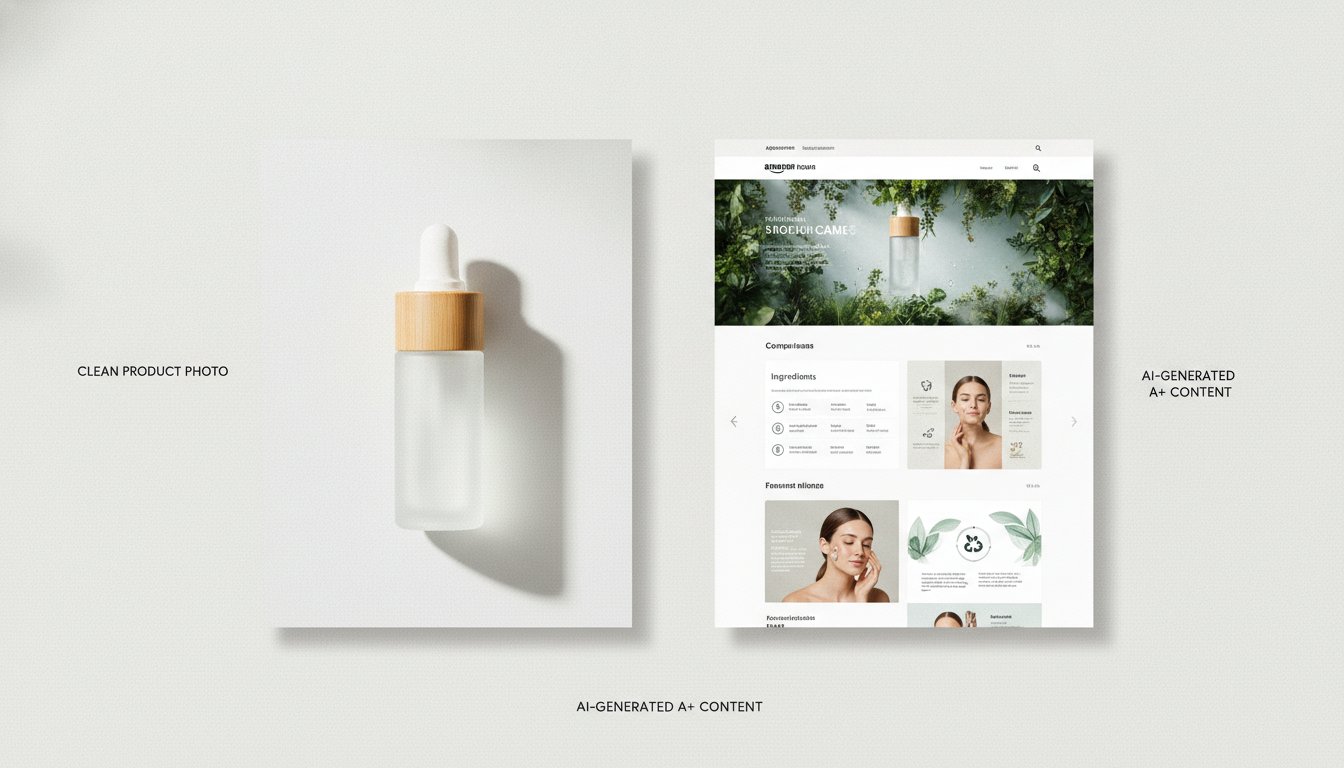
How to Make Amazon A+ Content: A Practical 2026 Guide
A step-by-step guide to planning, designing, and publishing Amazon A+ Content that lifts conversion — whether or not you have a designer.
Sunghoon Kang
Jul 11, 2026 · 4 min read
Amazon A+ Content is one of the highest-leverage changes you can make to a listing: it replaces a wall of plain text with scannable, visual modules that help shoppers understand your product and trust your brand. This guide walks through what A+ Content is, who can use it, and a practical process to produce a page that actually converts — with or without a designer.
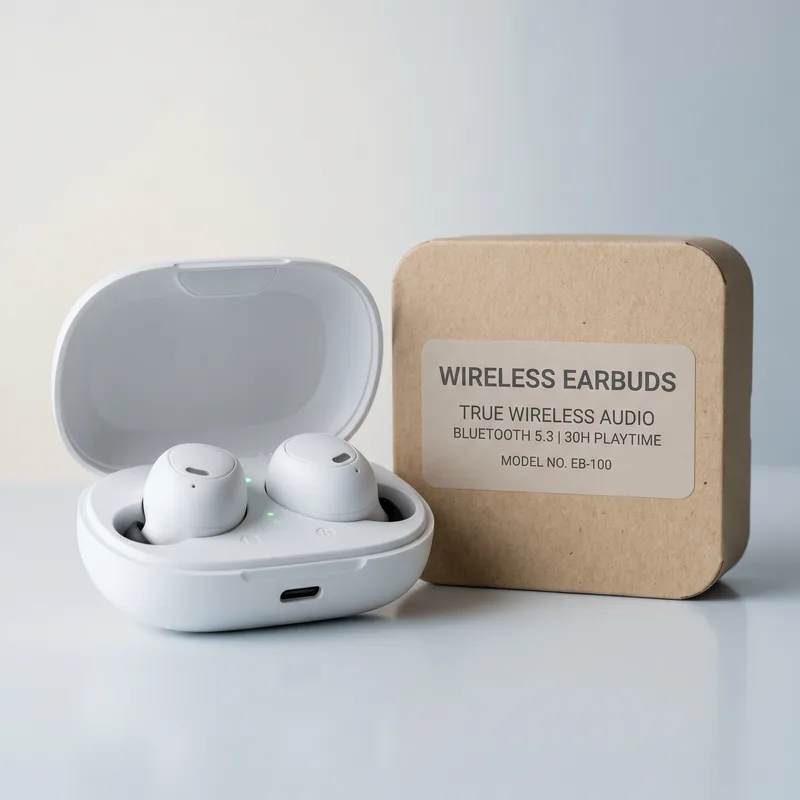
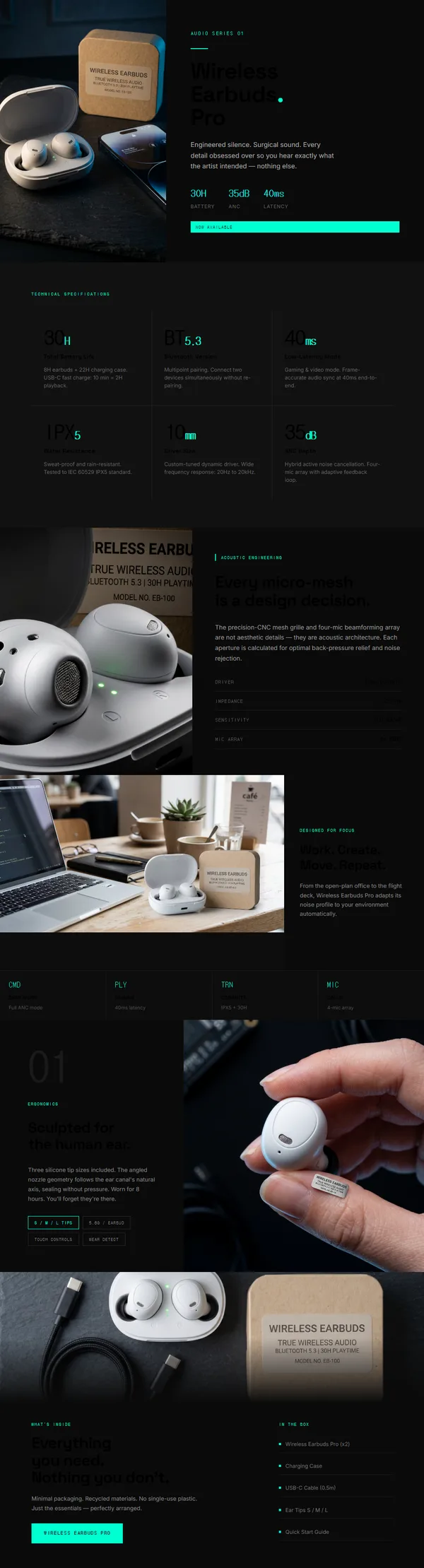
We build GENCY lite, so we spend our days looking at raw product photos and the A+ pages they turn into. The single biggest predictor of a good result isn't the design template — it's whether the source images are consistent. Sellers obsess over module choice; the ones who win fix their photos first.
What is Amazon A+ Content?
A+ Content (formerly "Enhanced Brand Content") is enhanced product description content that brand-registered sellers can add to the description area of a listing. Instead of a text block, you get modules: image + text rows, full-width banners, comparison charts, feature grids, and brand-story sections.
The point is simple: shoppers skim. Well-structured visual content answers "what is this, why is it better, and can I trust the brand?" in seconds — which is exactly what moves someone from browsing to buying.
Who can create A+ Content?
To publish A+ Content you generally need to be enrolled in Amazon Brand Registry (which requires a registered trademark) or be a first-party vendor. Once you have access, A+ Content is free to create and publish through Seller Central.
What makes A+ Content convert?
The pages that perform share a few traits:
| Trait | Why it matters |
|---|---|
| One clear benefit per module | Shoppers scan; one idea per row is remembered |
| High-quality, consistent images | Photo quality is the single biggest trust signal |
| A comparison chart | Helps buyers choose your variant instead of leaving |
| Benefit-led copy, not specs | "Stays cold 24 hours" beats "500ml double-wall steel" |
| Mobile-first layout | The majority of Amazon traffic is on phones |
A step-by-step process
1. Plan your modules. Decide the story order before touching design: hero benefit → how it works → comparison → brand trust. Four to six modules is plenty.
2. Prepare your images. Amazon has specific dimensions per module. Start from clean, well-lit product photos on a neutral or lifestyle background. If your raw photos are inconsistent, standardize them (background, framing, lighting) first — mismatched images are the most common reason A+ Content looks amateur.
3. Write benefit-driven copy. For each module, lead with the outcome the shopper gets. Keep sentences short. Avoid keyword stuffing; A+ Content text is not indexed for search the way bullet points are, so write for humans.
4. Build and preview. Assemble the modules in Seller Central (or your tool of choice), then preview on mobile. If a module doesn't earn its place, cut it.
5. Publish and iterate. Submit for review, then watch conversion. A+ Content is not "set and forget" — swap the weakest module every few weeks and compare.
The faster path: generate a first draft with AI
The slow parts above are image standardization and layout. This is where an AI tool helps: instead of editing every photo and hand-placing modules, you start from a single product photo and get a full, styled draft in about 30 seconds — then refine the copy and swap in your best shots.
That is exactly what GENCY lite does: it turns one product photo into a complete A+ Content page and product detail page, handles background cleanup and staging, and lets you export the result. You get 5,000 credits free on signup with no card required, which is enough to generate and iterate on several pages before deciding anything.
Bottom line
A+ Content works because it respects how people actually shop: fast, visual, and skeptical. Whether you build it by hand or start from an AI draft, the winning formula is the same — one benefit per module, consistent high-quality images, and a clear reason to choose your product. Start with four solid modules, publish, and improve the weakest one on a schedule.