GENCY lite vs Canva for Product Detail Pages: Which Should You Use?
Canva is a flexible design tool; GENCY lite is a purpose-built AI generator for product pages. Here's an honest comparison to help you pick.
Sunghoon Kang
Jul 11, 2026 · 3 min read
Both Canva and GENCY lite can help you produce better-looking product pages — but they solve the problem from opposite ends. Canva gives you a blank, flexible canvas and templates; GENCY lite gives you a finished draft you refine. This guide compares them honestly so you can choose based on your workflow, not hype.
Full disclosure: we make GENCY lite, so we're one side of this comparison. That's exactly why we'll be specific about where Canva is the better tool — a comparison that only flatters the author's product isn't worth reading. Use this to decide by workflow, and discount our bias accordingly.
The core difference in one line
- Canva is a general-purpose design tool. You assemble the page yourself, module by module.
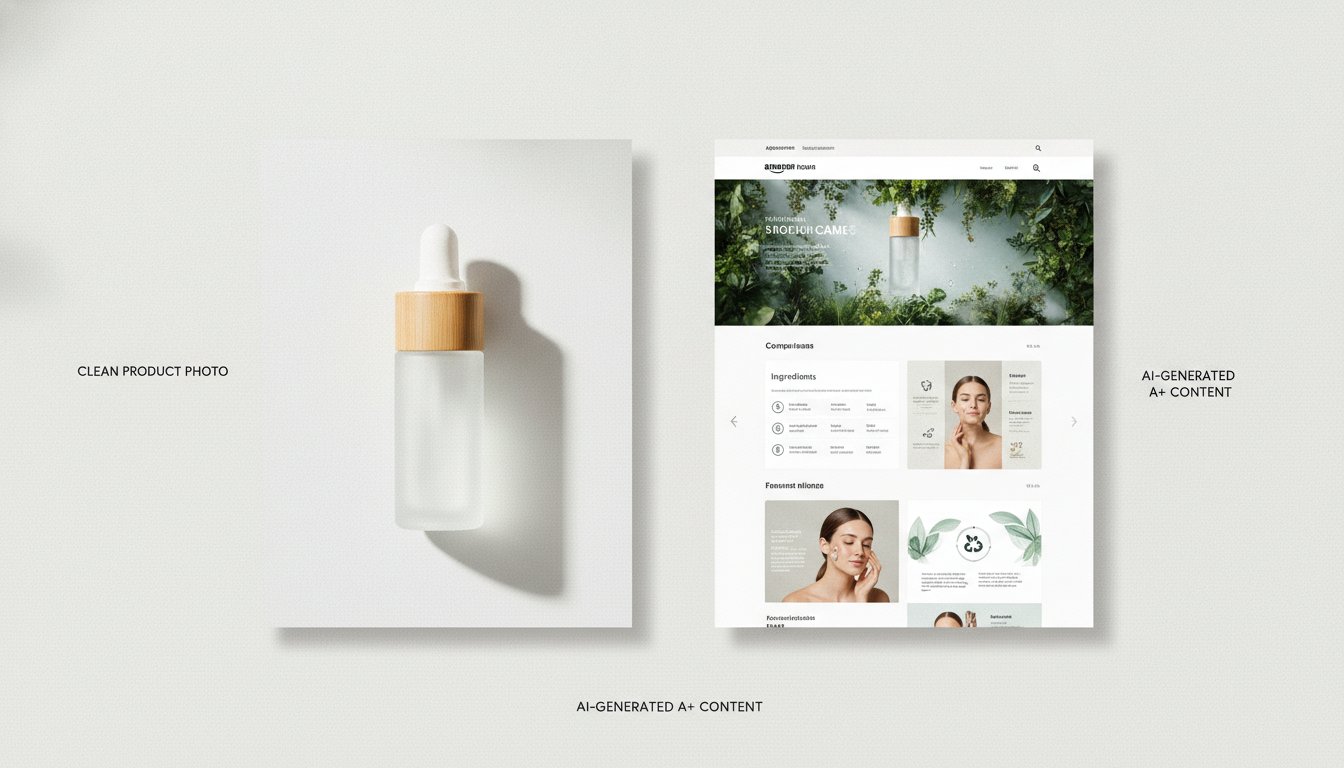
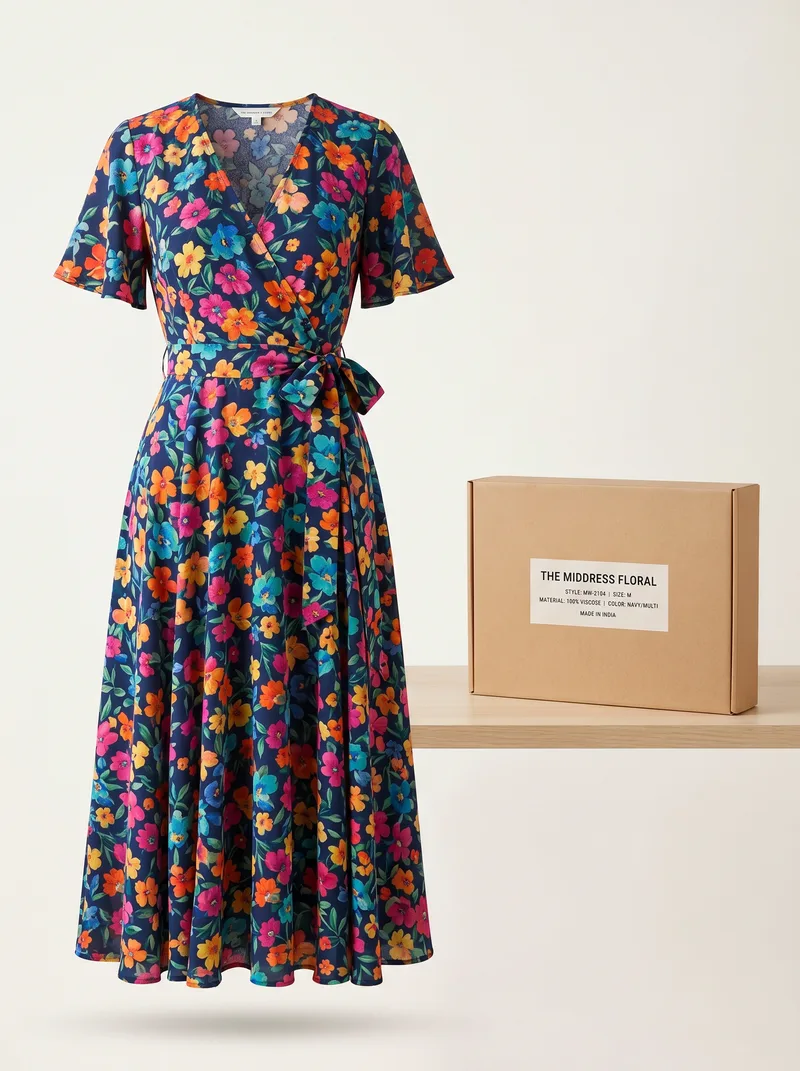
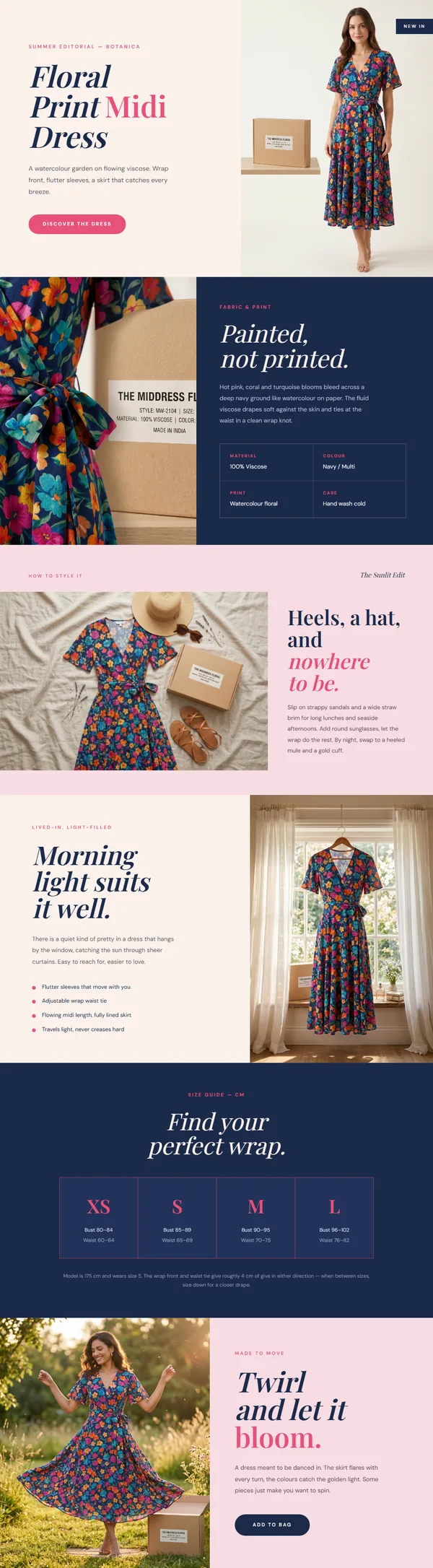
- GENCY lite is a purpose-built AI generator. It produces a complete product detail page or Amazon A+ Content layout from a product photo, then you refine it.
Side-by-side comparison
| Canva | GENCY lite | |
|---|---|---|
| What it is | General graphic design tool | AI product-page generator |
| Starting point | Blank canvas or template | One product photo |
| Who designs the layout | You | AI (you refine) |
| Copywriting | You write it | AI drafts benefit-led copy |
| Image cleanup / staging | Manual editing | Built-in background removal + staging |
| Amazon A+ awareness | Generic templates | Purpose-built for A+ and detail pages |
| Flexibility for custom art | Very high | Focused on product pages |
| Time to first full draft | Longer (manual) | ~30 seconds |
When Canva is the better choice
Canva wins when you need full creative control or you're making something that isn't a standard product page: social graphics, a custom infographic, a unique brand illustration, or a one-off promotional banner. If you already have a designer's eye and enjoy laying things out, Canva's flexibility is hard to beat.
When GENCY lite is the better choice
GENCY lite wins when your goal is volume and speed on product pages specifically. If you have many SKUs, inconsistent product photos, and no time to design each page by hand, generating a full draft from one photo — with background cleanup, staging, and benefit-led copy already in place — removes the slow parts. You then refine instead of starting from zero.
It's also the better fit if you're not a designer. The most common reason A+ Content looks amateur is inconsistent images and weak layout choices; an AI generator standardizes both by default.
Can you use both?
Yes, and many sellers do. A practical workflow:
- Generate the full product page draft in GENCY lite from your best product photo.
- Refine the copy and swap in your strongest images.
- If you need a bespoke one-off graphic (a seasonal banner, a custom comparison chart), make just that piece in Canva.
You get speed on the 80% that's repeatable and full control on the 20% that's custom.
Bottom line
Choose Canva if you want a flexible canvas and you enjoy designing each page. Choose GENCY lite if you want a finished product-page draft in seconds and you'd rather refine than build from scratch — especially across many products. They're not really rivals; they sit at different points on the "control vs speed" line.
Want to see the fast path? GENCY lite turns one product photo into a full detail page and gives you 5,000 free credits on signup — no card required.