The Best Way to Create Amazon A+ Content in 2026: Tools & Approaches Compared
AI generators, design tools, freelancers, or Amazon's native builder — a fair comparison of your options for making A+ Content, and how to choose.
Sunghoon Kang
Jul 10, 2026 · 3 min read
There's no single "best tool" for Amazon A+ Content — the right choice depends on how many listings you have, your budget, and whether you value speed or full custom control. This guide compares the four realistic approaches fairly, then gives a simple way to decide.

We build one of these tools, so treat our verdict as informed but biased. Here's the honest version: for a single hero listing you'll pour love into, no tool beats a good designer. The moment you have more SKUs than time, the math flips — and that's the real reason AI generators exist, not because they out-design humans.
Your four options
1. Amazon's native A+ Content builder (free). Available to brand-registered sellers in Seller Central. You pick from Amazon's module templates and drop in your own images and text. It's free and reliable, but you do all the design and copy work, and your result is only as good as your raw images.
2. A general design tool (e.g., Canva). You design each module image yourself, export at Amazon's sizes, and upload. Maximum creative flexibility, but slow and dependent on your design skill.
3. Freelancers or agencies (e.g., Fiverr, Upwork). You hand off the work and get custom results. Great for a signature brand look, but it costs more per listing and each revision adds turnaround time — hard to scale across many SKUs.
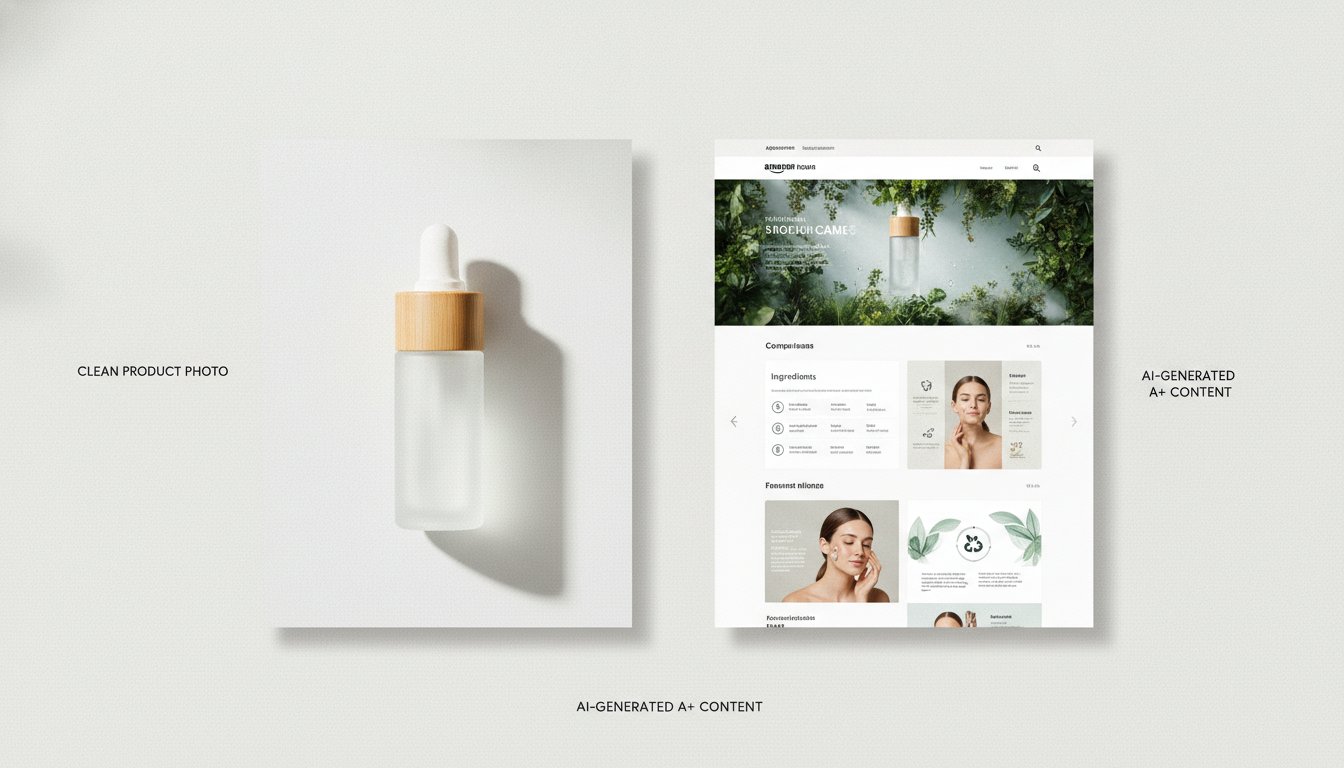
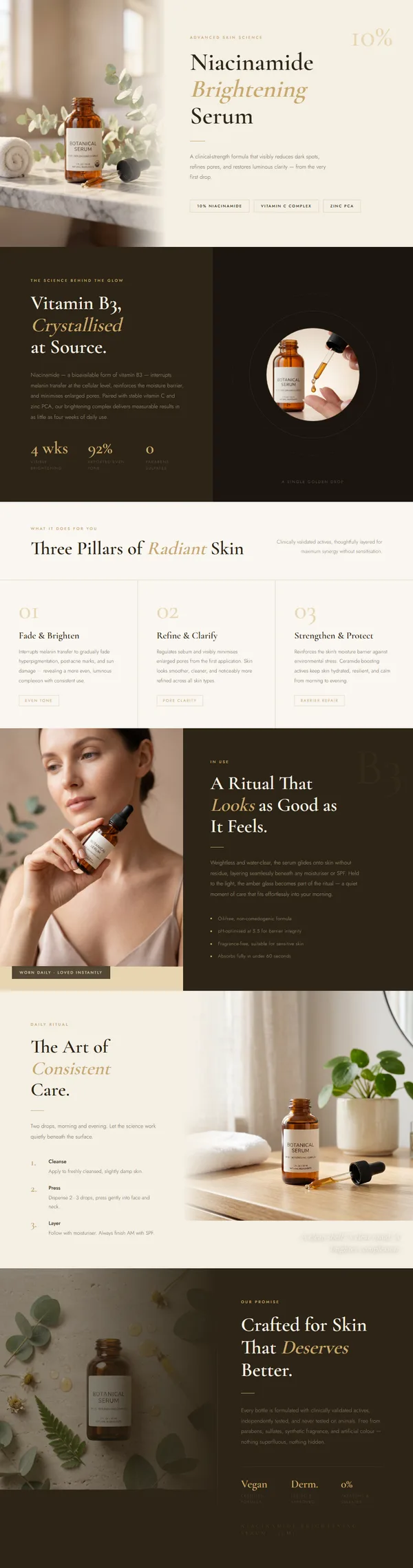
4. An AI product-page generator (e.g., GENCY lite). You upload a product photo and the tool generates a full A+ Content draft — layout, staged images, and benefit-led copy — in about 30 seconds. You refine instead of building from scratch. Fastest for volume; less bespoke than a dedicated designer.
How they compare
| Approach | Speed | Cost | Custom control | Best for |
|---|---|---|---|---|
| Amazon native builder | Slow (manual) | Free | Medium | 1–2 listings, tight budget |
| Design tool (Canva) | Slow | Low | High | Designers, one-off graphics |
| Freelancer / agency | Slow (turnaround) | High | Very high | Signature brand look |
| AI generator | Fast (~30s draft) | Low–medium | Medium | Many SKUs, speed, non-designers |
What to look for in an AI generator
If you go the AI route, evaluate on:
- Starts from your real photo, not just stock templates
- Handles image cleanup and staging (background removal, consistent framing) — this is where most pages look amateur
- Writes benefit-led copy, not spec dumps
- Exports cleanly for Amazon and your storefront
- Supports your categories — not fashion-only
- A free tier so you can test before committing
A simple way to decide
- One or two listings, no budget? Amazon's native builder plus good photos.
- You're a designer or need one custom graphic? A design tool like Canva.
- You want a signature, fully bespoke look and have the budget? A freelancer or agency.
- Many products, and you value speed and consistency? An AI generator.
Bottom line
The "best" approach is the one that matches your volume and skills. For most sellers scaling more than a handful of listings, an AI generator removes the slow parts — image standardization and layout — and lets you spend your time on the copy and choices that actually move conversion.
GENCY lite is built for exactly that: one photo in, a full A+ Content page and product detail page out, in ~30 seconds. Signup includes 5,000 free credits with no card required, so you can compare it against your current workflow before deciding.