Examples · made with GENCY lite
AI model photos from a product shot
Pick an example. Each one starts from a single product photo and ends as a model wearing the product.
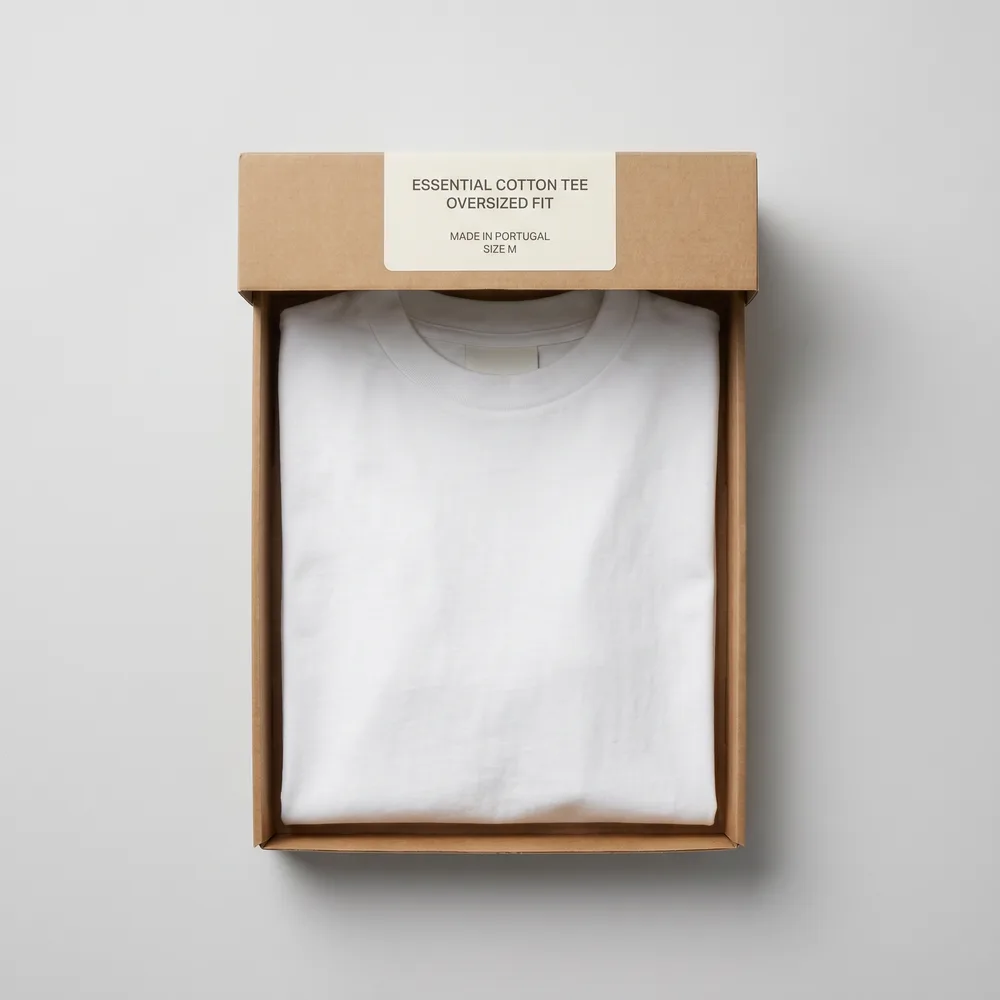
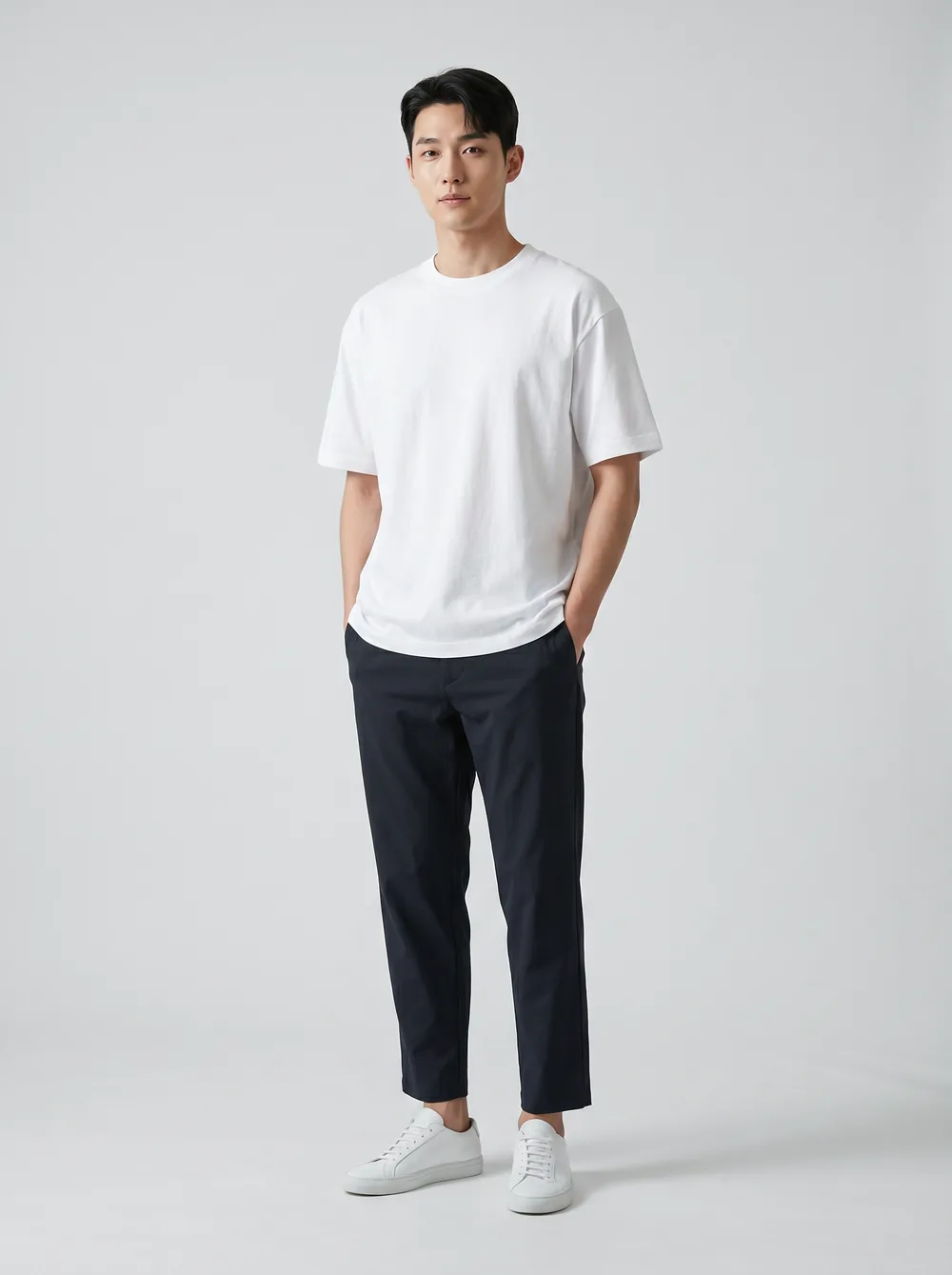
Try it with my product photo
No card required.
How it works
Step 1
Upload one product photo
A packshot, a flat lay or a photo of the product in its box.
Step 2
Choose the kind of shot
Clothing, shoes or accessories — each uses its own fitting tool so the product stays the hero.
Step 3
Download or keep editing
Use the result as a listing image, or drop it into a detail page or Amazon A+ layout.
Questions
- Are these results generated live on this page?
- No. These are example results made earlier with GENCY lite, so the page loads instantly. To try it on your own product, create an account and upload your photo.
- Will my result look exactly like the examples?
- No. Results depend on your photo — lighting, angle and how clearly the product is visible. You can generate again or edit the result.
- Do I need a model or a photo studio?
- No. You start from a product photo. The model, pose and setting are generated around your product.
- Do I need a card to start?
- No. You can create an account and try it without a card.